 7:50
7:50
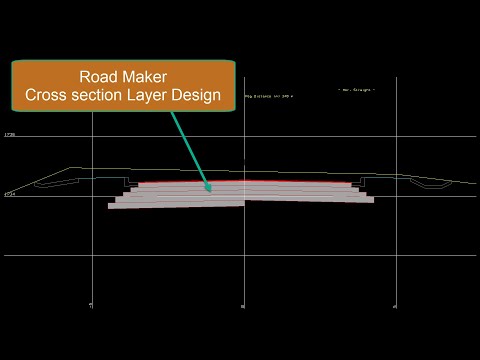
Cross-section Layer Design
In this video, we look at Road Maker Software. How to add a Road Cross-section Layer Design.
Short instructional videos covering real tasks in the software — recorded by the people who wrote it. Nothing here is a sales demonstration; each one shows a job being done.
Showing 7 of 54 · Single C-Way Road clear filters
7:50
In this video, we look at Road Maker Software. How to add a Road Cross-section Layer Design.
 6:32
6:32
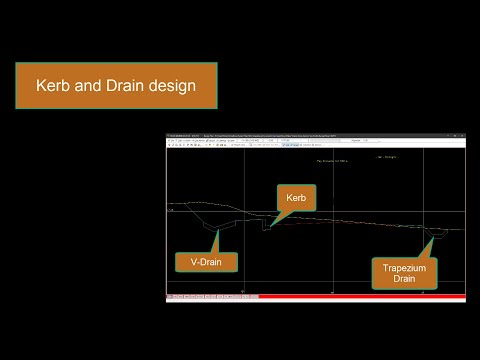
This video will cover how to add and use a Kerb and Drain in Road Maker Software.
 6:00
6:00
This video illustrates how to set up a Cross Section top profile design in Model Maker, Road Maker Software.
 7:01
7:01
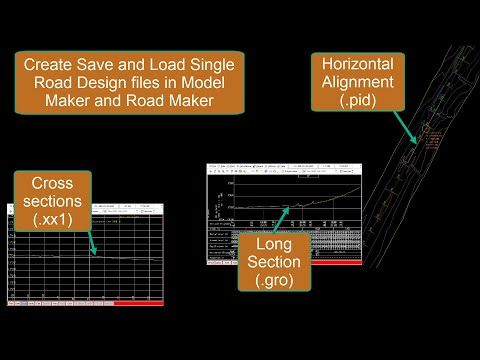
This Clip illustrates how to start with a single road design, creating the necessary files in Model Maker and opening those files in Road Maker.
 5:26
5:26
This clip will illustrate 4 different methods of adding a Road vertical alignment in Road Maker Software.
 8:03
8:03
Road Maker Software, how to work with the different file types
 3:08
3:08
Learn how to create and edit the vertical alignment in Model Maker Systems, Road Maker software design program.
These guides answer the questions we are asked most often. If yours is not among them, say so — we would rather record a video once than answer the same question fifty times. Formal training courses are also available if you would prefer to be taken through it properly.
The full software, free for 30 days. Watch a guide, then do the same thing with your own data.
